Amazft BIP Max Smartwatch Over the Air Update Version 3.17.0.3
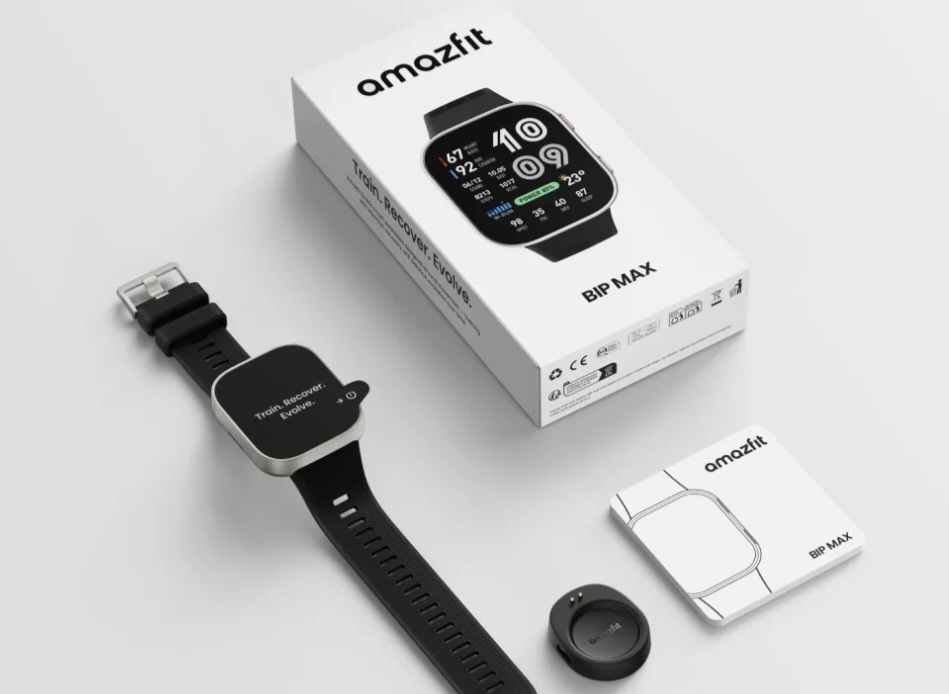
Amazfit again, just recently updated the new smartwatch, Amazfit BIP Max. The latest OTA updated the OS of the BIP Max to version 3.17.0.3. As usual, there are some new optimization for the smartwatch and new features is also included. If we check on the release notes, Amazfit has give more emphasis on the HYROX, especially on the its new template. Check out the details below, the system update 3.17.0.3.
SYSTEM UPDATE
Version Number: 3.17.0.3
Update package size: 14.27MB
New Features
- Upgraded pool-swimming algorithm with the manual rest function. After enabling manual rest, rest-period data will be recorded. Data details are distinctly split into swimming segments and rest segments. Swimming segments are categorized by swimming strokes for a well-structured training layout.
- Hyrox Workout Template V2. The brand-new Hyrox template has been synced to the watch to deliver professional Hyrox training guidance.
- HYROX race strategy: segmented time-based strategies can be generated according to your target finishing time. It assists you in arranging pace for every phase and offers explicit pace reference for HYROX competitions.
- Stryd compatibility: once paired with Stryd, pace data can be displayed during HYROX workouts, enabling you to grasp your exercise rhythm intuitively.
Optimizations & Bug Fixes
- Optimized the default raise-to-wake mode for quicker response and easier time-checking.
- Improved the appearance-and-disappearance logic of scroll bars to achieve smoother operation.
You Might Want to Read: Honor Watch 2i Smartwatch
Instructions on doing a System Update
Before executing any over the air update, make sure that the wearable is in full battery mode. Do not operate or change the options or settings of your smartwatch while doing the OTA.
To update your wearable, Open the Zepp app, Tap on General menu, then select “System Update” If you have the latest version you will see “The current version is the latest”.
