How to Download or Install WhatsApp application on Smartwatch
WhatsApp application is one of the most popular application for smartphones when it comes to social app category. It is also a must have app for Bluetooth smartwatch, and smartband. Yes, it is available in most wearable but most of the support is for push notification only, you can read messages on the smartwatch but cannot reply to it. You can also receive calls notification but cannot answer or make calls on the app or smartwatch.
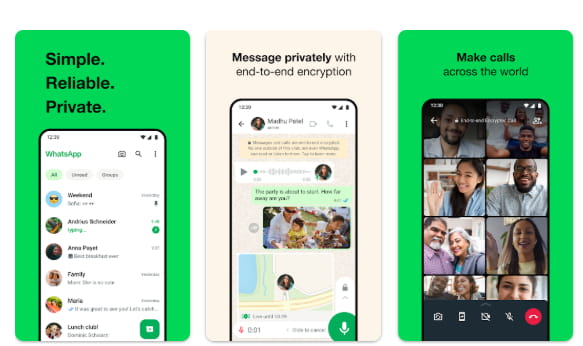
But if you want to send messages, receive calls and answer it via WhatsApp, you need to download the whole application for your smartwatch. With certain smartwatches, you can have an option to download, and install WhatsApp application on your smartwatch. You need the following features on your smartwatch to be able to download and install the social application on smartwatch.
Requirements
- WIFI Connectivity or Mobile Data on your smartwatch
- Storage Space at least 4 GB of space
- Google Play Store or Browser to download the app
Steps on How to Download Whatsapp on Smartwatch
- Activate your mobile data or WIFI connectivity to enable internet connection on your smartwatch.
- Open the Google Play Store on your smartwatch, latest Android 4G/5G smartwatches have a Google Play store pre-installed.
- Search the app WhatsApp on Google Play Store to download
- Tap Install to download the app for your smartwatch
- Wait for the complete of download, and it will automatically install in the smartwatch
- Once completed, Open the WhatsApp application
- Tap Agree and Continue with the Privacy Policy and Terms of Agreement
- Enter your Phone Number to Continue, then Next
- Select your country
- Verify your number
- WhatsApp will send you a 6-digit code via SMS (sometimes a call)
- Enter the code automatically or manually
- Set up your profile
- Add your name
- (Optional) Add a profile photo
- Allow permissions for Contacts and Media Access
- Add some Friends
- You have now the WhatsApp on your Smartwatch
You Might Want to Read: Gabb Watch 3e
Although the app is compatible with the smartwatch, using it especially composing text is very difficult due to the small screen. It is advisable to use the voice command to dictate the text on your smartwatch, or use calls instead to reply than doing a text message to reply to messages.
