How to Download Facebook on Smartwatch, Installing the app
If you want to download the Facebook app on your smartwatch, we have a tutorial below on the step by step process on how to download and install the application on your wearable. Before downloading the app, check the requirements below, and see if your smartwatch checks, if everything is ok, you can proceed on the tutorial on how to download the app.
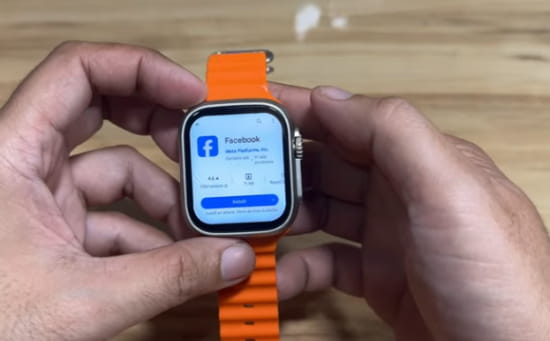
Basic Checklist for your Smartwatch
- Check if your smartwatch has support for connecting to internet. See if there is a support for WIFI connectivity. If there is a SIM card slot, also check if there is a support for Mobile data network.
- Also check if your smartwatch has enough storage space to download and install the Facebook app. As of this time of writing, the app is around 70+ MB in size. You can check this by going to “Settings”, then “Storage”, you will have the total capacity of your smartwatch, and the used storage space
- Browse on the menus of your smartwatch, if its available, you will see the Google Play store on the list of menus.
Settings on How to Download the app
- Open Google Play Store
- Search Facebook app on the play store. Used the on screen keyboard, or due to the small screen of the smartwatch. It is more practical to use the voice command to search for the app.
- Tap on Install to Download the Facebook application
- Once the download is complete, open the app
- Similar to your smartphone, Facebook will ask you to Register an account or Login with your existing account.
If you don’t have an account tap “Get Started”. If you have an existing Facebook account tap “ I already have an account”. Login using your mobile number or email and password.
6. Facebook app will ask for the following permission
- Save your Login information
- Access your location/ Tap skip or allow Facebook to access the device location
7. If everything is ok, you will be able to access the Facebook dashboard, particularly your Facebook account.
Note: Browsing on a smartwatch is fairly difficult due to the small screen. However, the content is still visible and readable, even though the text is small. Navigation can be tedious, but having this capability on a smartwatch is still a pretty cool feature.
You Might Want to Read: Rogbid Vogue Smart Bracelet
